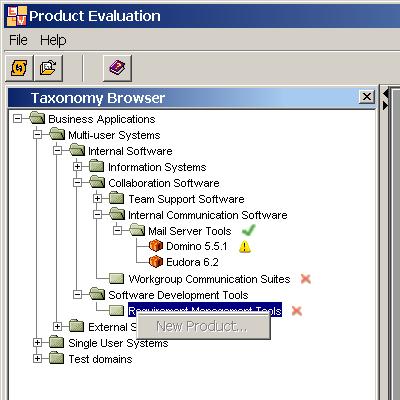
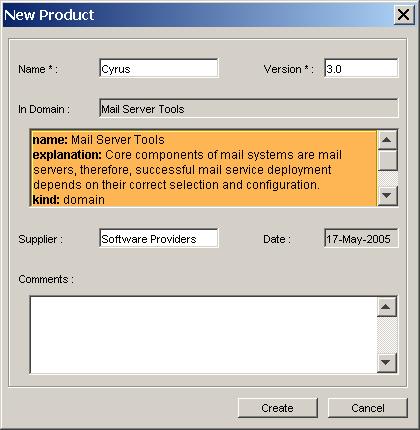
Once the domain of interest has been identified by browsing the taxonomy, a new Product belonging to that domain can be created by right-clicking on it in the taxonomy browser :

The icon next to the domain's name means that there is a validated version of the quality model registered in the domain. Since the evaluation process consists on evaluating respect to a quality model, it is necessary that such a quality model exists and is validated. Notice that in the opposite case the 'New Product' menu is disabled.