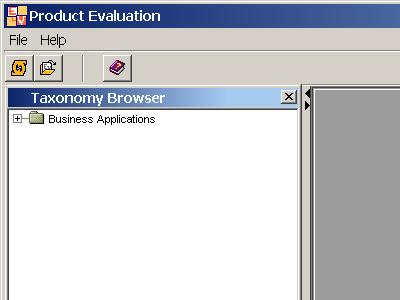
The other mode for browsing
the taxonomy is the basic mode, that is for users that do not know the
organization of the taxonomy, and consists on using a taxonomy naviagator that
asks questions and proposes answers that facilitate the navigation through the
categories.
In the following screen
captures (take into account that we have changed the colours of the interface,
and that they are different than in other places of the manual) we will see
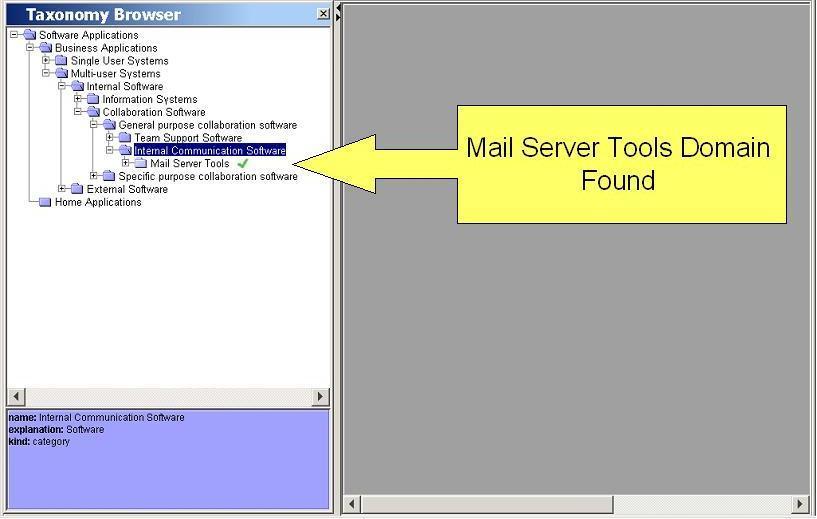
how an non-expert user browses the taxonomy going from the "Collaboration
Software" category" until the "Mail Server Tools" domain, that is the one that
I am going to use in the next examples.
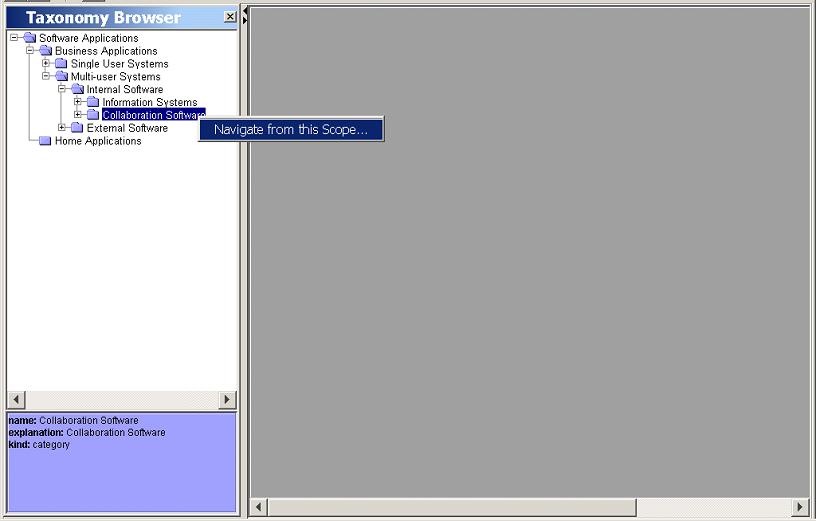
When we press the
right button of the mouse on the Collaboration Software category, we
find just one option that is to start the taxonomy navigator.
The taxonomy
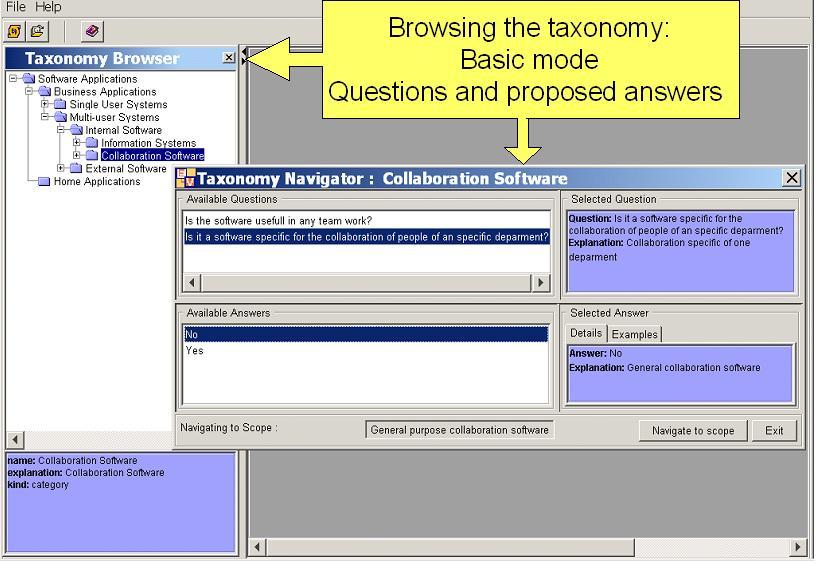
navigator offers us two questions:
We choose the
second one, since we know that a mail server is not specific for the
work of a department, but it is general for the work of all the
organization. And the answer is No. As you can see, the navigator
offers information about the question and the answers. Descriptions
and in the case of each answer examples that document better the
meaning of the answer. To navigate we press the "Navigate to Scope"
button.
Thus, we move
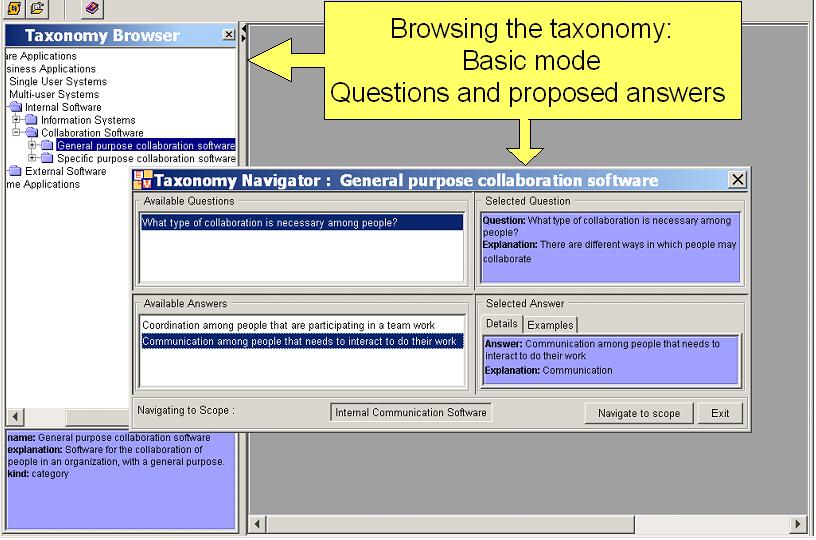
forward to the "General Purpose Collaboration Software" category.
In this case the
navigator, just offers us a question that is:
"What type of
collaboration is necessary among people?"
Of the two
possible answers we choose that the type of collaboration is "communication"
of people that needs to interact for doing their work.
And we navigate to
the "Internal Communication Software" category. The question of the
navigator is what type of communication do we need. The only answer
offered is "By mail". We take this answer since it is convenient for
us.
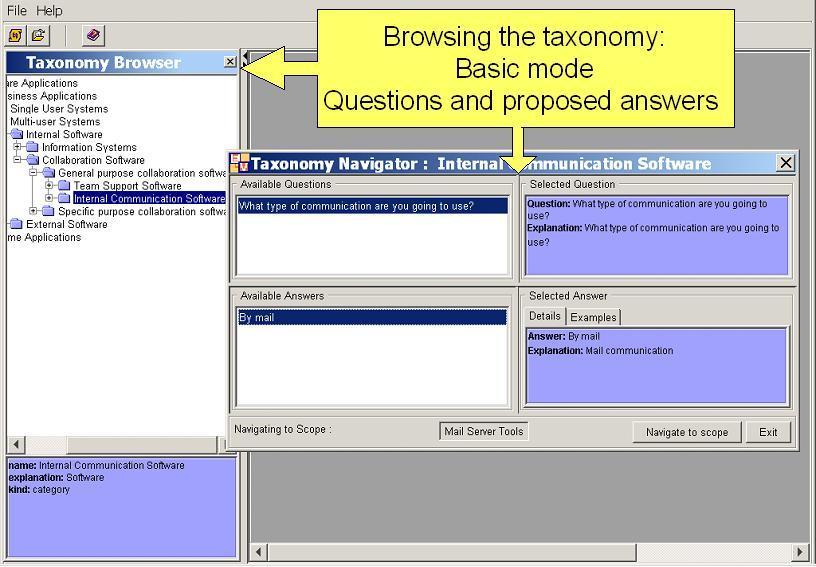
And, finally, we
arrive to the desired domain that is the one of "Mail Server Tools".